Built by a contractor. For the work you actually do.
Keep the build-out and the paperwork moving.
A commercial job means coordinating trades, decisions and a paper trail that has to make sense later. Build the scope, collect bids, organize phases and keep approvals, billing and documents tied to the right project.
14 days free. Cancel anytime.

From first contact to site visit
Read it once. Put it to work.
Extract job information from uploaded documents, turn document text into task drafts, and import contacts or supplier details. Check the extracted information before using it in the job.
Attach the screenshot, choose Read All and review the details Roxy fills in. Actual mobile recording.
The work on site
The signed scope starts the job.
Carry the customer and agreed work into the project. AI Launch proposes tasks, phases and a schedule for review. Rescan when new information arrives instead of rebuilding the plan by hand.
Put the trades in the right order.
Work with trade-specific phases, tasks and Gantt schedules. AI can suggest sequencing and flag scheduling conflicts for review, while crews record their time against the work.
“While you’re here” belongs on the job.
Draft a change order from the requested work, review its price, and put it in front of the customer for approval. Approved changes flow into the job’s money and payment picture.
The day’s record, before you forget it.
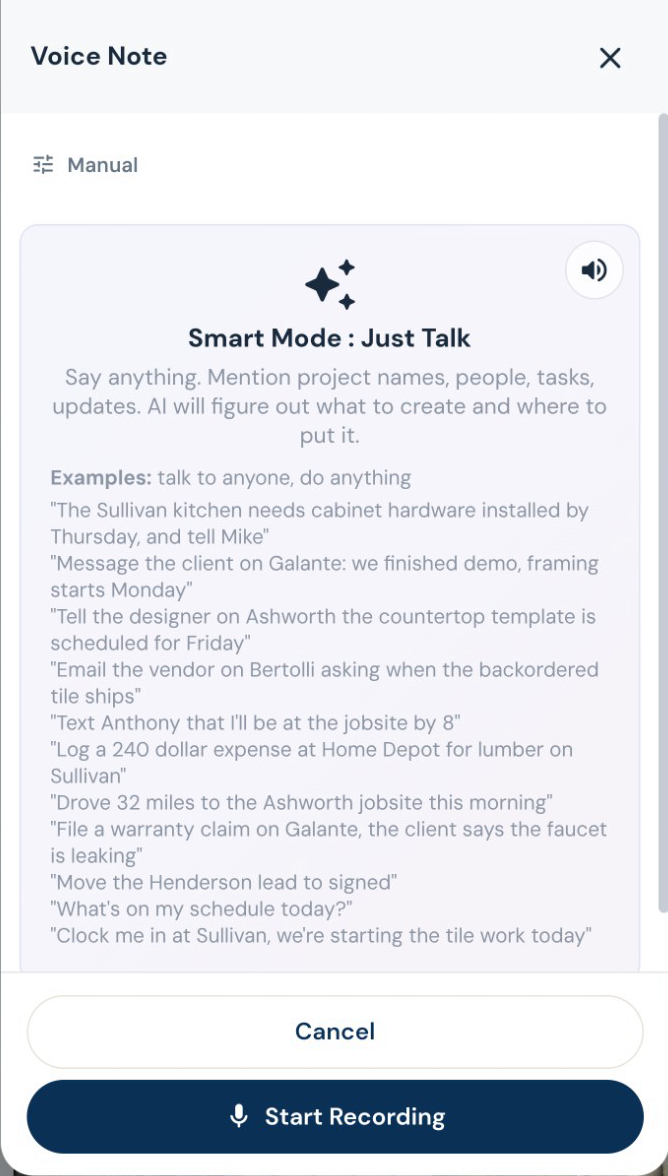
Speak the day’s progress, delays and site notes. AI organizes the daily log, while photos and files keep the job history together. Ask for a project summary before the next customer call.
Subs, suppliers and designers
The electrician needs the electrical scope.
Build trade-specific bid requests from the job’s notes, documents and estimate. Send the relevant work to subs and vendors, collect their submissions, and compare the bids before awarding the work.
Start with their business card. Get the sub ready for work.
Snap or upload a business card and let AI fill the subcontractor details for review. Save the record, then start onboarding with the agreement, W-9 request, insurance upload and portal access together. Your sub signs and provides the paperwork through their own links. You can see what is complete and what you are still waiting for.
Know before the insurance expires.
AI reads uploaded insurance and license documents for expiry dates. Your team can check the extracted date, and renewal reminders go out within the two-week window before expiry and when overdue.
Review the imported sub, then choose insurance requirements. Edited demo excerpt; agreement signing and document submission are separate steps.
Invoices, payments and job money
Bill the way the job is paid.
Create itemized invoices, request a deposit, bill milestones, or set up recurring invoices. Record checks and other payments received outside the app, and apply credit memos without losing the history.
Make the next payment easy to find.
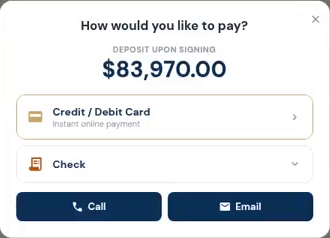
Send a payment request tied to the job. Customers can see what is due and use the payment options you have connected. Partial payments and approved changes stay visible in the balance.
Keep the office connected to the job.
Manage purchase orders, vendor bills, draw schedules and lien-waiver records alongside your projects. Connect QuickBooks Online when it is part of your accounting process; the accounting subscription remains separate.