Built by a contractor. For the work you actually do.
Your trade. Your jobs. Your way of working.
Choose the work you do. RoxyPM brings the lead, estimate, schedule, field notes and invoice together, with trade-specific phases and AI to help with the office work between jobs.
14 days free. Cancel anytime.

Find your kind of work.
Before you leave the site
Say it once. Put the next steps in motion.
Turn a spoken instruction into tasks, calendar events, new leads, job notes and email drafts. Log an expense, update a task or ask what is on the schedule while you are still on site. Roxy can handle several supported actions from one conversation. Review outgoing messages before they are sent.
You remember three things on the way out: give the cabinet installer a task, schedule the next site meeting and email the customer. Say them while the details are fresh. Roxy puts supported actions into the places where your team actually works, with messages ready for your review.
Walk the job. Talk through the work.
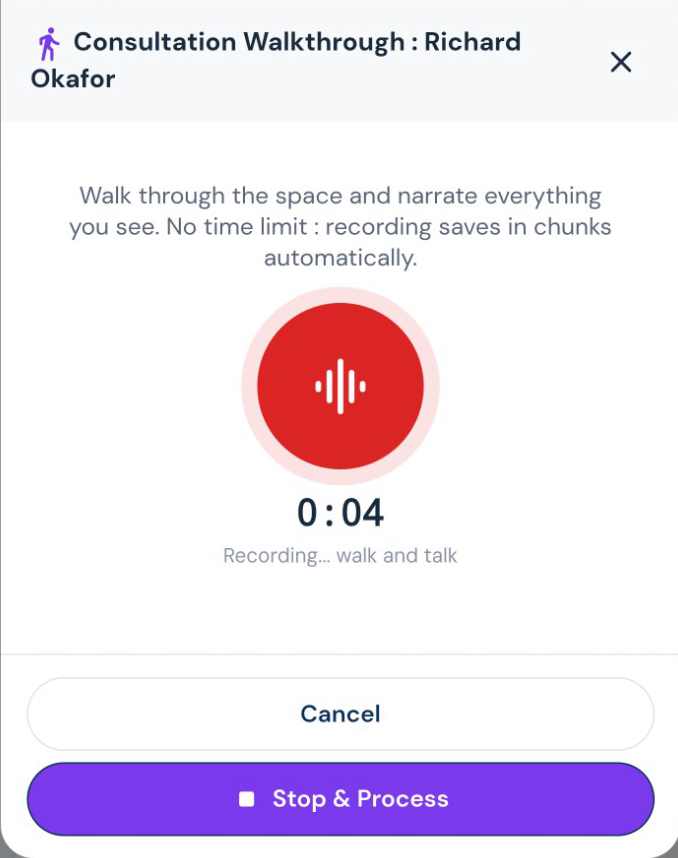
Record what you see while it is fresh. Roxy turns your walkthrough into organized notes and scope that can feed the estimate, instead of another notebook to type up tonight.
Pick the voice you want riding along.
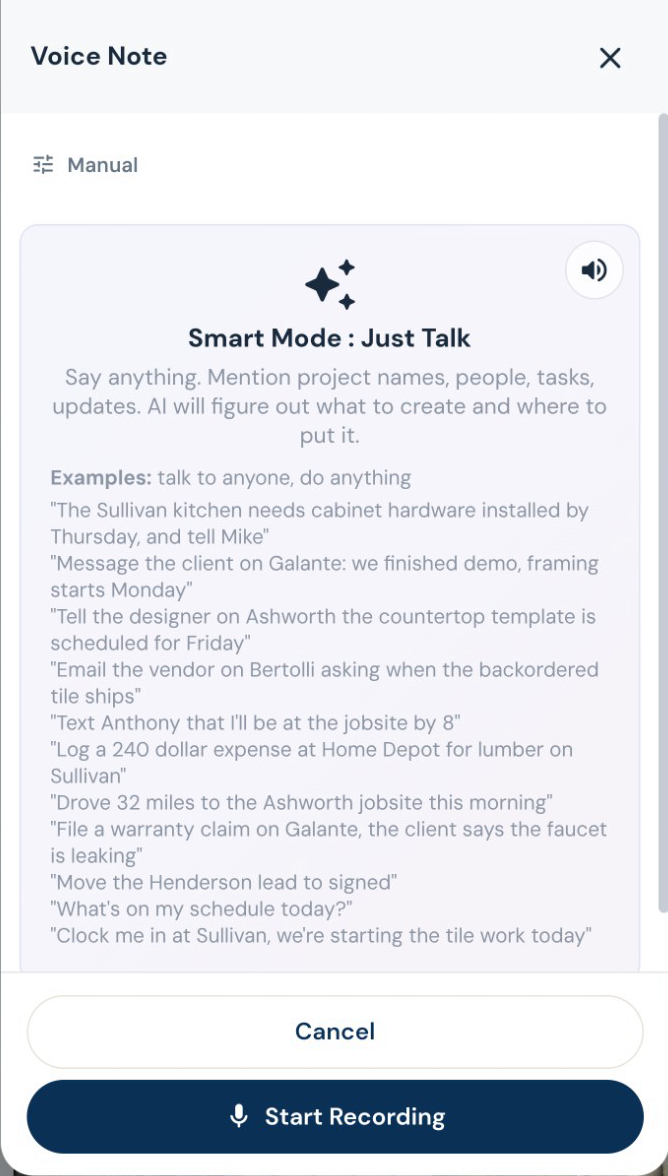
Roxy has a choice of voices and personalities. Talk through the day, ask a question, or get a guided tour of the app in a voice that suits you. Your assistant remembers your preferences across conversations, so you spend less time explaining yourself again.
The day’s record, before you forget it.
Speak the day’s progress, delays and site notes. AI organizes the daily log, while photos and files keep the job history together. Ask for a project summary before the next customer call.
The proposal should sound like you
Your scope. Your terminology. Your pricing.
Give Roxy the scope of work, photos, handwritten notes or project documents. With your company knowledge available, it can draft the estimate using your terminology, pricing references and contract preferences. Review the quantities, labor, materials and markup, then send a proposal that sounds like your company.
The customer changes the countertop after you have written the proposal. Tell Roxy what changed and review the edits. Keep the rest of the scope, the earlier version and your internal pricing where they belong. Then present the price in the format you use to sell the work.
Show the price the way you sell.
Send a lump-sum proposal, room-by-room totals or line-item pricing. Add optional upgrades, your terms and a payment schedule. Your internal labor costs and markup stay separate from the customer presentation.
Change the countertop. Keep the rest.
Tell Roxy what to change in an estimate, by voice or text. Review the proposed edits before saving. Sent estimates retain previous versions; changes to a sealed estimate follow a separate revision.
Work from the customer’s markup.
Upload the marked-up estimate rather than retyping the notes in the margin. Roxy drafts the revision for review. Scope comparison helps you see additions, removals and changes between scopes.
Put the agreed work in writing.
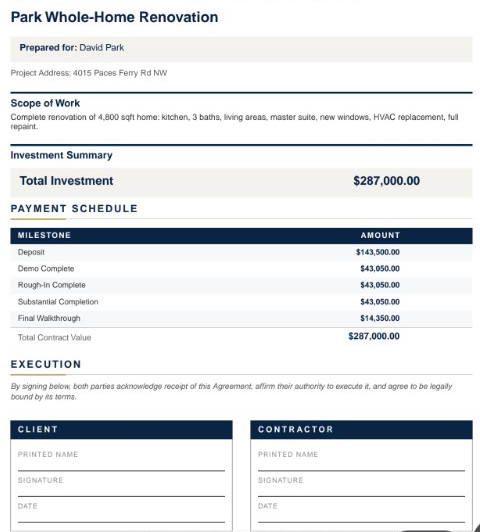
Draft contracts and letters of intent from the job information, then review your terms before sending. Reuse your document templates and let AI help fill the project details.
RoxyPM
Built by a contractor. For the work you actually do.
Your pricing, your contract language, your way of doing the work. Give Roxy a head start with past documents, then keep working. It learns from your corrections, saved pricing, payment schedules and preferences in the background, so future suggestions fit your company better.
See the workflow