Built by a contractor. For the work you actually do.
One job. The right view for each person.
Your client is choosing finishes. Your designer is submitting selections. Your sub needs the scope and a place to send the paperwork. RoxyPM gives each person a useful way into the job, while you keep the whole picture.
14 days free. Cancel anytime.

From first contact to site visit
Get a real appointment confirmation.
Turn the scheduling text into a calendar draft. Send a confirmation link so the customer can confirm or ask to reschedule, and see which visits still need an answer.
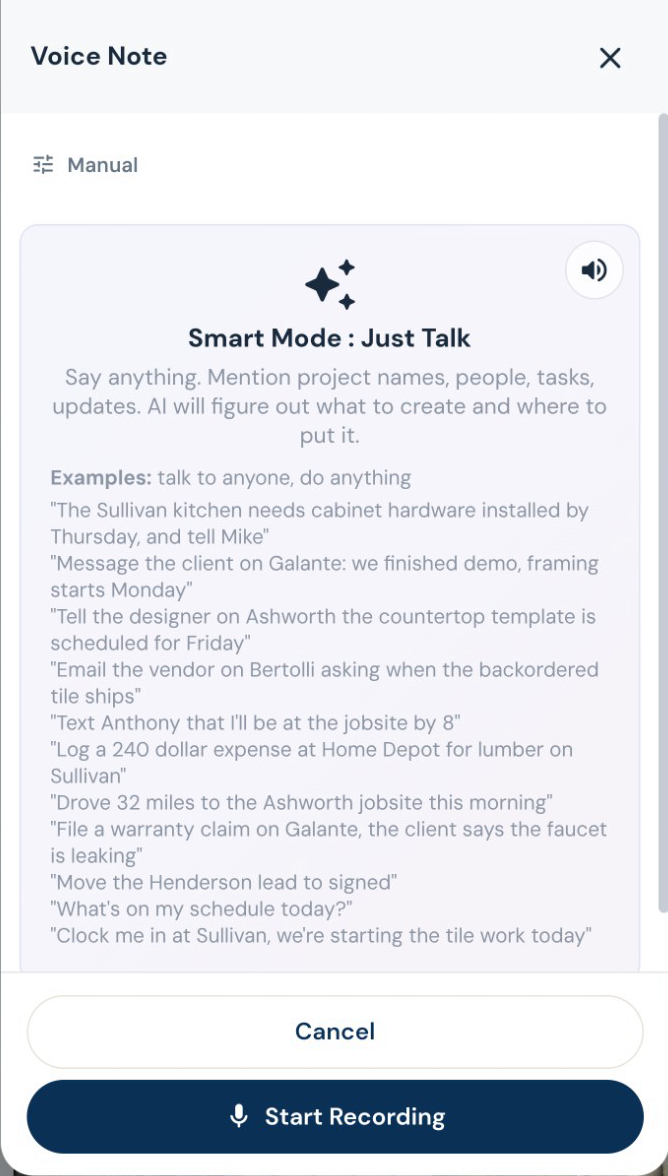
Attach the screenshot, choose Read All and review the details Roxy fills in. Actual mobile recording.
The work on site
Finish the punch list. Keep the history.
Keep punch items, photos and completion acceptance with the project. If a warranty call comes later, log it against that job and ask AI to assess it against your recorded terms before you decide.
Subs, suppliers and designers
Turn the selection paperwork into selections.
A designer can use AI-assisted selection analysis and bulk import from the portal. Product details, photos and approval requests stay with the estimate or project instead of scattered across email threads.
Start with their business card. Get the sub ready for work.
Snap or upload a business card and let AI fill the subcontractor details for review. Save the record, then start onboarding with the agreement, W-9 request, insurance upload and portal access together. Your sub signs and provides the paperwork through their own links. You can see what is complete and what you are still waiting for.
Give each sub the work that belongs to them.
Subs can find assigned projects, tasks, bid invitations and payment requests in their own workspace. Workers can record time and upload job photos. Suppliers have order, delivery and invoice workflows.
Know before the insurance expires.
AI reads uploaded insurance and license documents for expiry dates. Your team can check the extracted date, and renewal reminders go out within the two-week window before expiry and when overdue.
The electrician needs the electrical scope.
Build trade-specific bid requests from the job’s notes, documents and estimate. Send the relevant work to subs and vendors, collect their submissions, and compare the bids before awarding the work.
Give the supplier a place to send it.
Orders, delivery updates, invoices, messages and price sheets belong with the supplier. The vendor portal lets them send the details back without giving them access to the rest of your business. You can also request fresh prices and choose automatic reminders for stale lists.
Review the imported sub, then choose insurance requirements. Edited demo excerpt; agreement signing and document submission are separate steps.
Decisions you can come back to
Your customer can sign and pay in the same place.
Send a branded client portal where the customer can review the proposal, e-sign and pay using the payment options you have connected. Selections, approved changes, shared updates and signed documents stay with the job. Your internal costs and markup stay out of the customer view.
Keep the designer in the conversation.
Give the designer a place to submit selections, share files and message about the job, even before it becomes a project. Designer and client approvals are tracked separately, and submitted costs wait for your team’s approval.
A signature with a document behind it.
Customers sign in their portal. Signed estimates and approved change orders are stored as sealed PDFs with a signature certificate. Keep the signed version with the job.
Keep both sides of the agreement.
Countersign the customer’s approved contract. Optional automatic countersigning follows the configured approval and payment conditions. Completion acceptance is its own request and certificate at closeout.
The customer opens the deposit and sees how to pay. Actual demo recording; no payment is submitted in this clip.
From delivery to the job’s costs
Give the supplier a place to send it.
Orders, delivery updates, invoices, messages and price sheets belong with the supplier. The vendor portal lets them send the details back without giving them access to the rest of your business. You can also request fresh prices and choose automatic reminders for stale lists.
Let the paperwork fill the first draft.
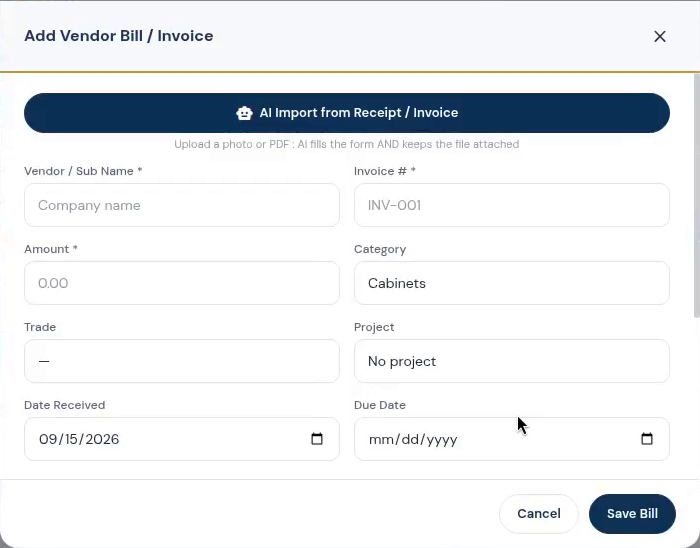
Scan receipts, vendor invoices and contact documents instead of entering them twice. AI extracts the details for review so expenses, bills and supplier records can stay connected to the work.
Keep the office connected to the job.
Manage purchase orders, vendor bills, draw schedules and lien-waiver records alongside your projects. Connect QuickBooks Online when it is part of your accounting process; the accounting subscription remains separate.
See what the job is leaving you.
Compare the contract, collected payments, labor and material costs on the job. Review budget versus actual, receivables and company reports, with AI insights to help you decide what needs attention.
The office after the jobsite
Set it up for the way you run a job.
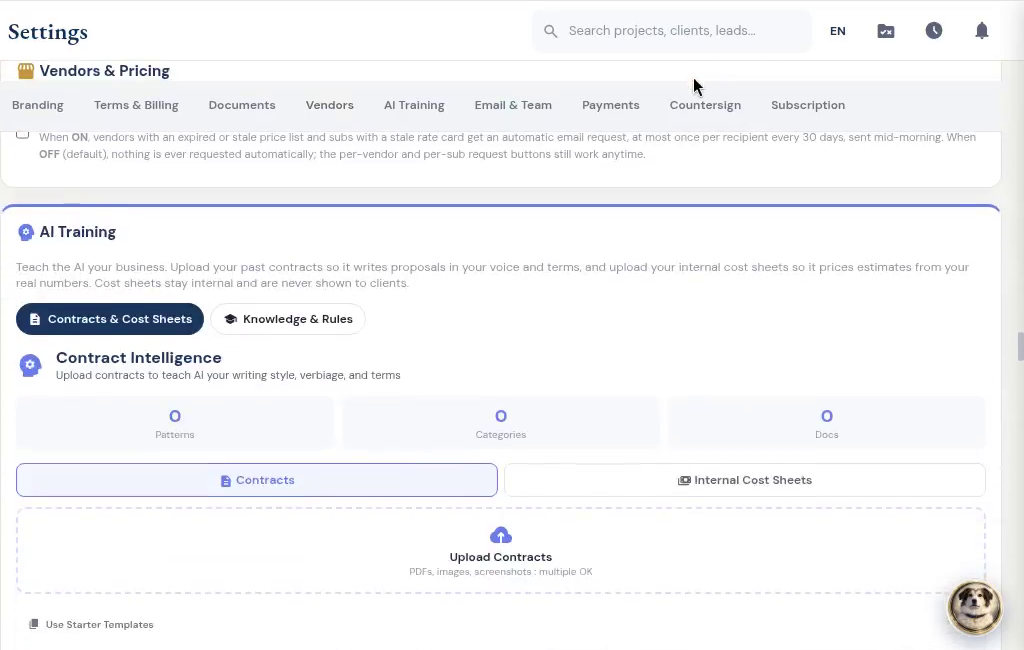
Use your own contract templates, terms, payment methods, branding and field-note shorthand. Set follow-ups and task rules for the steps you repeat. Decide when countersigning happens and whether sub payment requests need a signed lien waiver.
Help getting started. Backups while you work.
Get a walkthrough with the contractor who built RoxyPM, use in-app guidance when you need it, and contact support with questions. Automatic daily cloud backups protect the business records behind the work. You can also export your data.