Built by a contractor. For the work you actually do.
From rough-in to final, keep the details with the job.
Capture the requested work, build the estimate, organize rough-in and finish tasks, and document what changed. The customer’s approval and the invoice stay connected to the same electrical job.
14 days free. Cancel anytime.

From first contact to site visit
Get a real appointment confirmation.
Turn the scheduling text into a calendar draft. Send a confirmation link so the customer can confirm or ask to reschedule, and see which visits still need an answer.
Attach the screenshot, choose Read All and review the details Roxy fills in. Actual mobile recording.
The office after the jobsite
Keep recurring work on the calendar.
Set up recurring services, upcoming visits and reminders. Keep maintenance work and recurring invoices organized alongside your larger projects, without rebuilding the same schedule each time.
The work on site
Say it once. Put the next steps in motion.
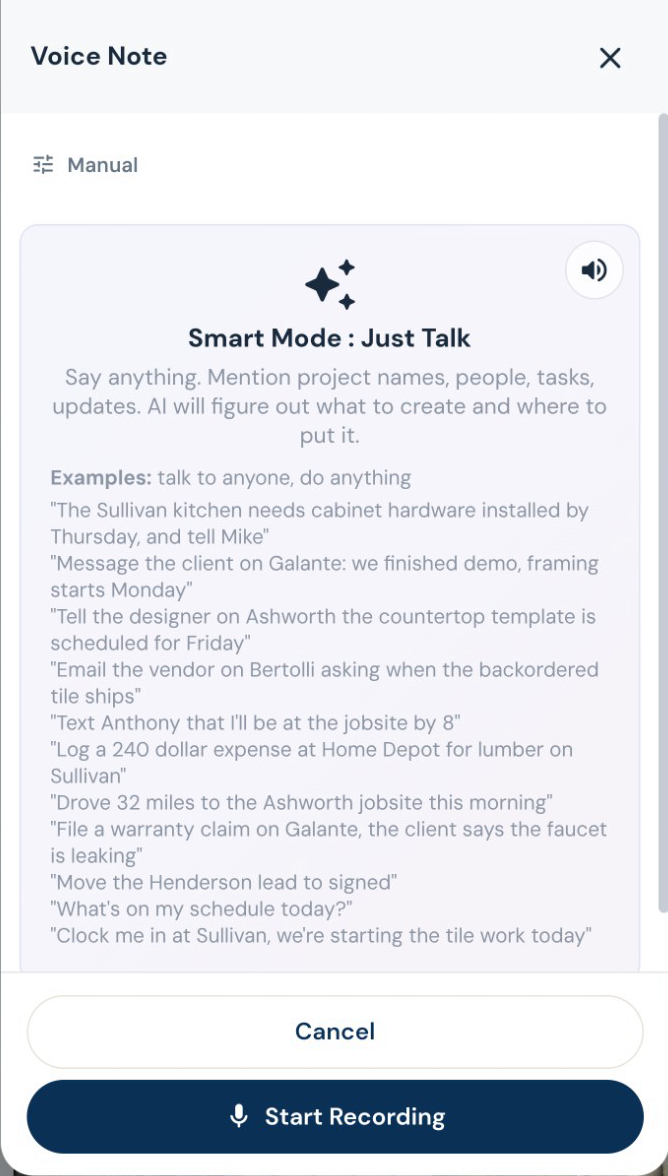
Turn a spoken instruction into tasks, calendar events, new leads, job notes and email drafts. Log an expense, update a task or ask what is on the schedule while you are still on site. Roxy can handle several supported actions from one conversation. Review outgoing messages before they are sent.
Put the trades in the right order.
Work with trade-specific phases, tasks and Gantt schedules. AI can suggest sequencing and flag scheduling conflicts for review, while crews record their time against the work.
“While you’re here” belongs on the job.
Draft a change order from the requested work, review its price, and put it in front of the customer for approval. Approved changes flow into the job’s money and payment picture.
Estimating, proposals and revisions
Your scope. Your terminology. Your pricing.
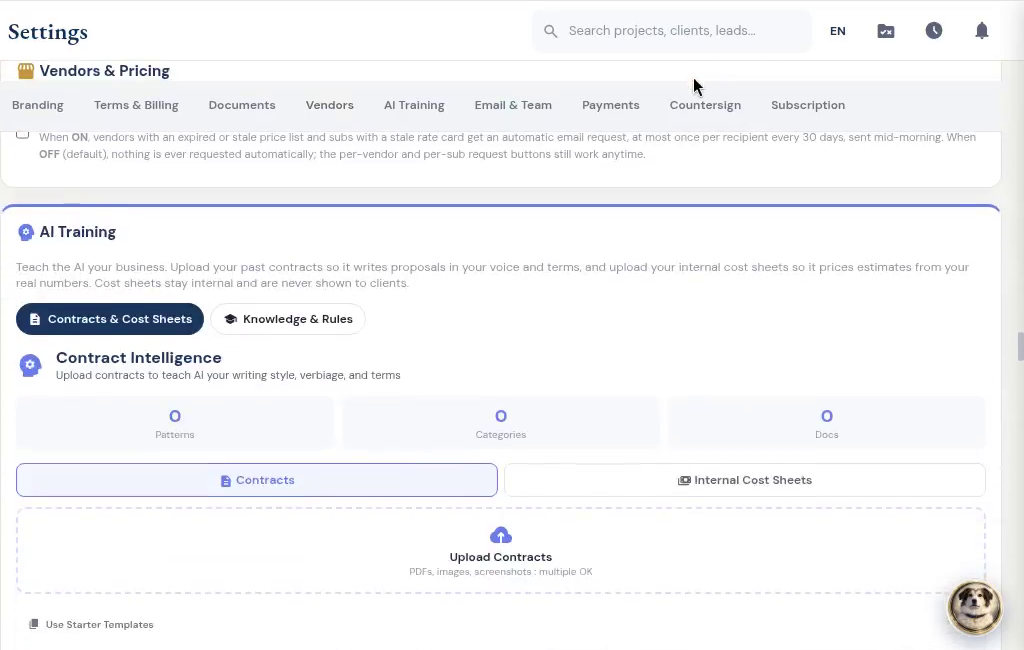
Give Roxy the scope of work, photos, handwritten notes or project documents. With your company knowledge available, it can draft the estimate using your terminology, pricing references and contract preferences. Review the quantities, labor, materials and markup, then send a proposal that sounds like your company.
Invoices, payments and job money
Bill the way the job is paid.
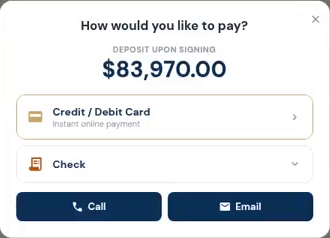
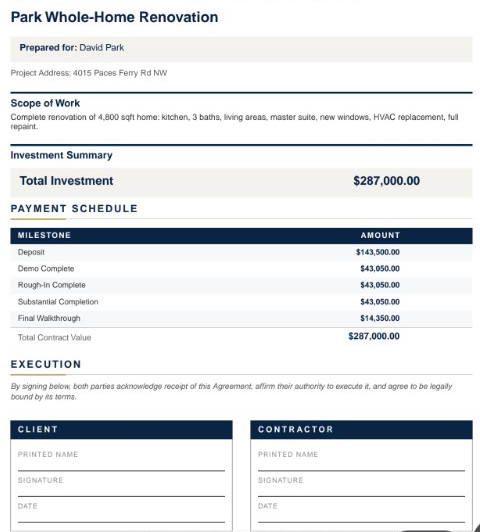
Create itemized invoices, request a deposit, bill milestones, or set up recurring invoices. Record checks and other payments received outside the app, and apply credit memos without losing the history.