Built by a contractor. For the work you actually do.
Rough-in, trim and the call that changes the plan.
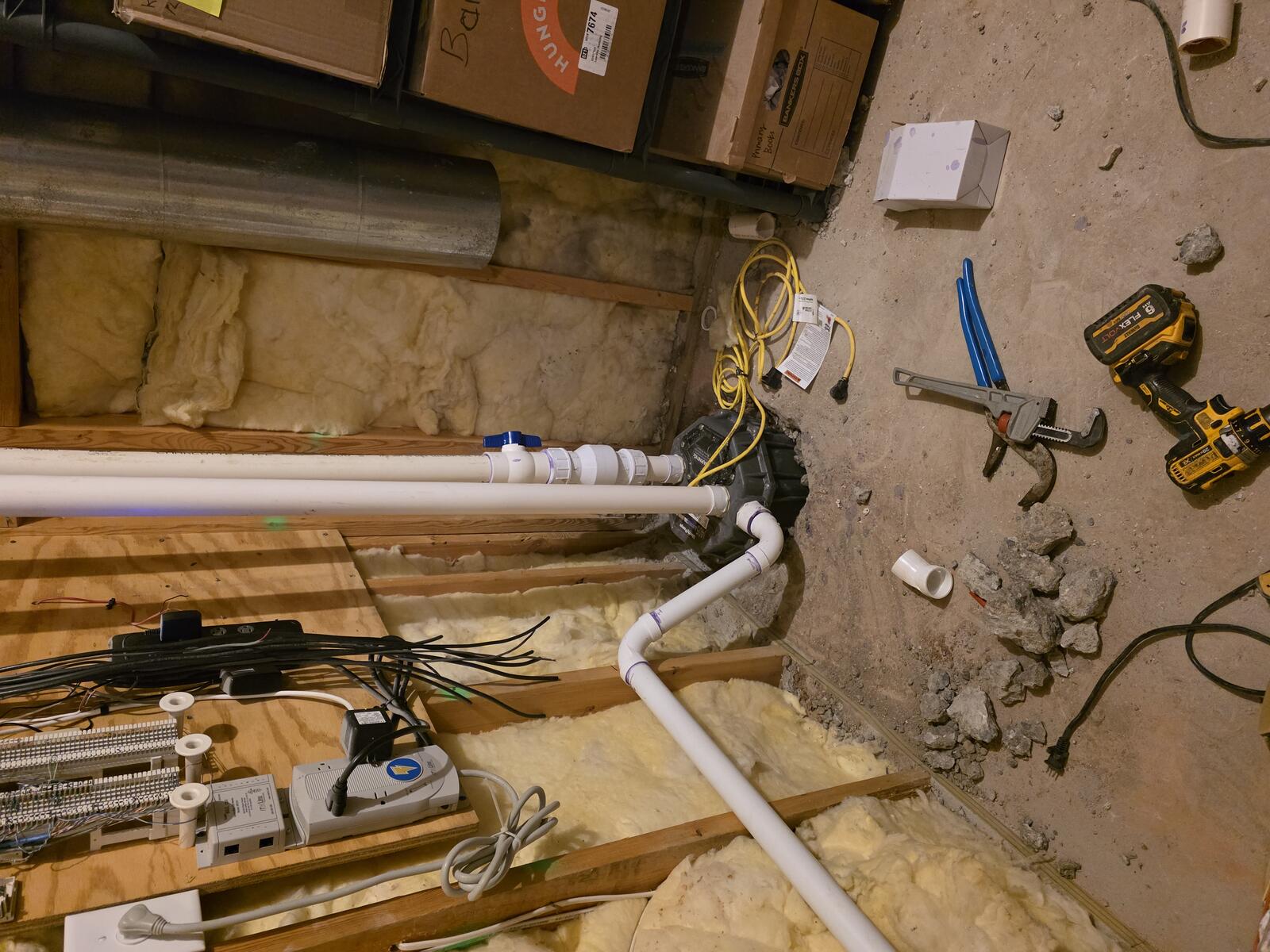
Keep fixture choices, scope changes, crew tasks and payment requests on the plumbing job. Record the site note while you are there instead of reconstructing it from messages later.
14 days free. Cancel anytime.
The office after the jobsite
Keep recurring work on the calendar.
Set up recurring services, upcoming visits and reminders. Keep maintenance work and recurring invoices organized alongside your larger projects, without rebuilding the same schedule each time.
The work on site
Say it once. Put the next steps in motion.
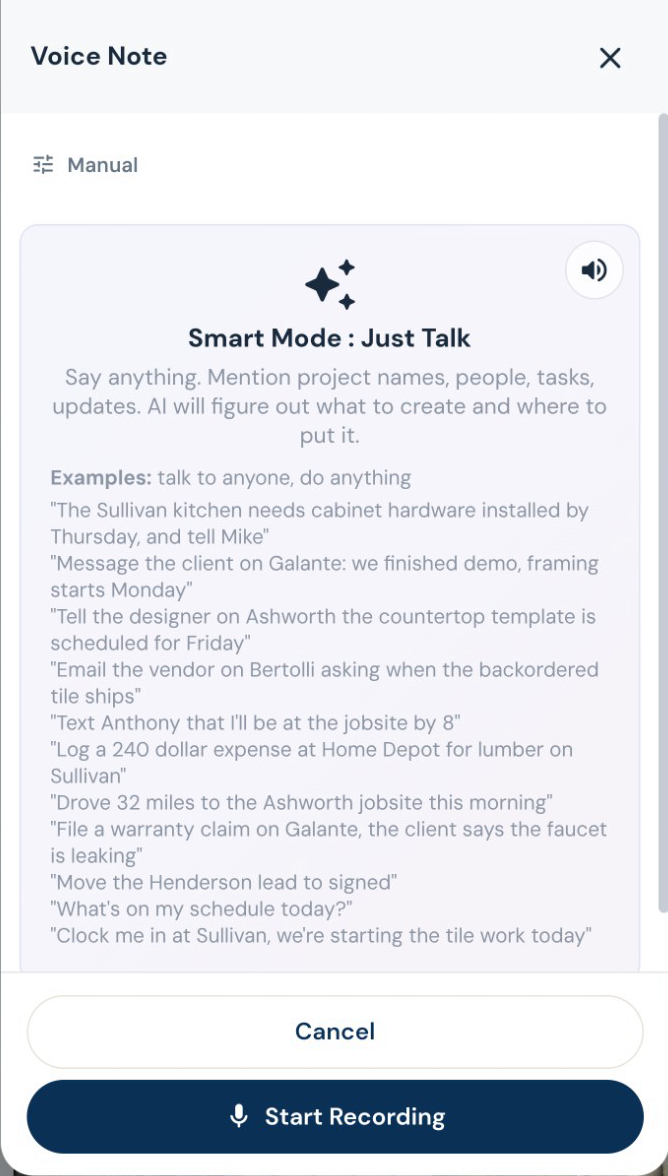
Turn a spoken instruction into tasks, calendar events, new leads, job notes and email drafts. Log an expense, update a task or ask what is on the schedule while you are still on site. Roxy can handle several supported actions from one conversation. Review outgoing messages before they are sent.
Put the trades in the right order.
Work with trade-specific phases, tasks and Gantt schedules. AI can suggest sequencing and flag scheduling conflicts for review, while crews record their time against the work.
“While you’re here” belongs on the job.
Draft a change order from the requested work, review its price, and put it in front of the customer for approval. Approved changes flow into the job’s money and payment picture.
Estimating, proposals and revisions
Your scope. Your terminology. Your pricing.
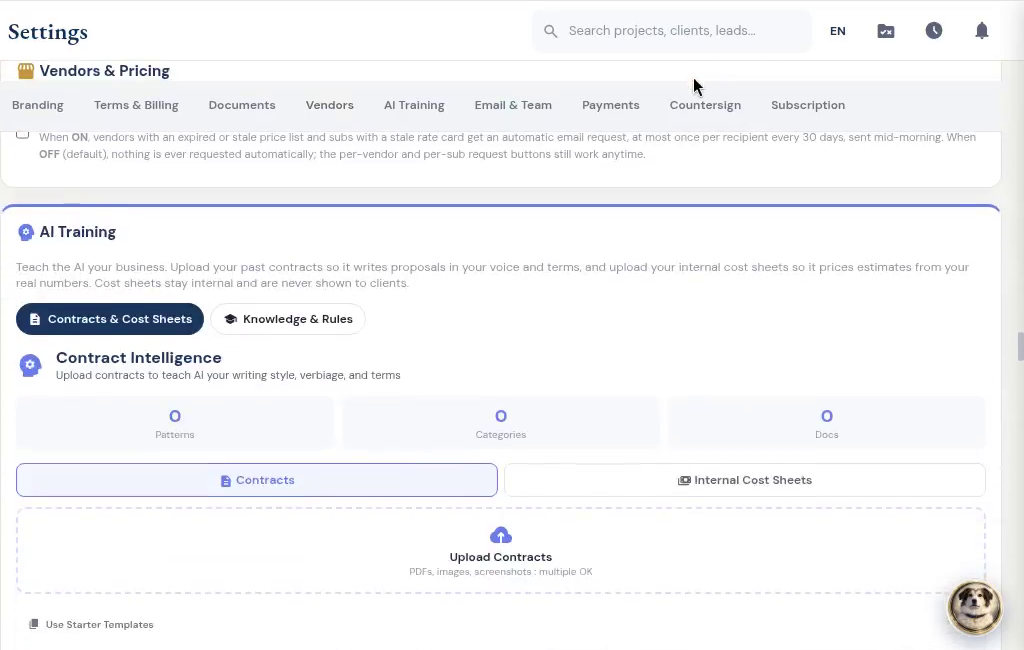
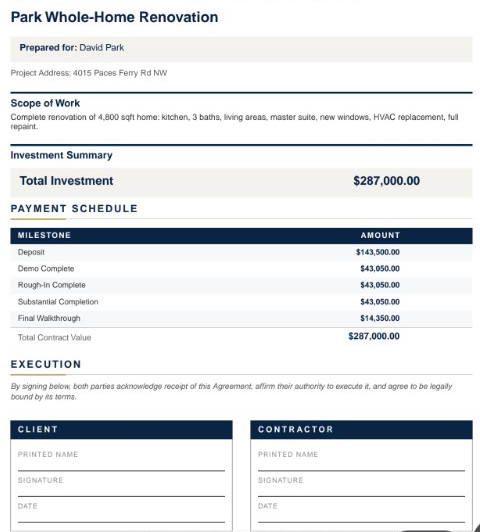
Give Roxy the scope of work, photos, handwritten notes or project documents. With your company knowledge available, it can draft the estimate using your terminology, pricing references and contract preferences. Review the quantities, labor, materials and markup, then send a proposal that sounds like your company.
Decisions you can come back to
Know when a selection changes the budget.
Track selections and allowances by job. Keep the model, finish, supplier and approval together, and handle an over-budget choice through the change process before it becomes a surprise at collection.
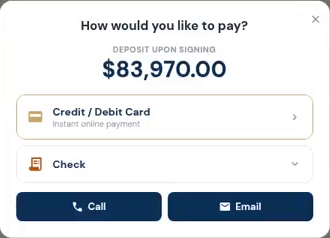
The customer opens the deposit and sees how to pay. Actual demo recording; no payment is submitted in this clip.
Invoices, payments and job money
Make the next payment easy to find.
Send a payment request tied to the job. Customers can see what is due and use the payment options you have connected. Partial payments and approved changes stay visible in the balance.