Built by a contractor. For the work you actually do.
Keep the whole remodel on the same page.
Kitchen and bath, whole-home renovation or a custom build: the details change every day. Keep the scope, selections, customer approvals, subs and money with the job, from the first walkthrough through the last punch item.
14 days free. Cancel anytime.

From first contact to site visit
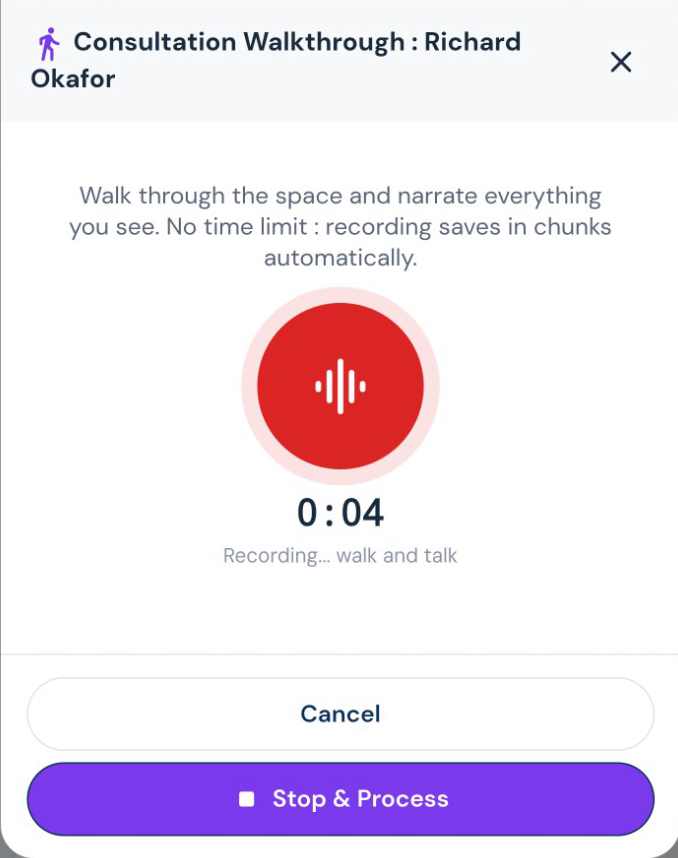
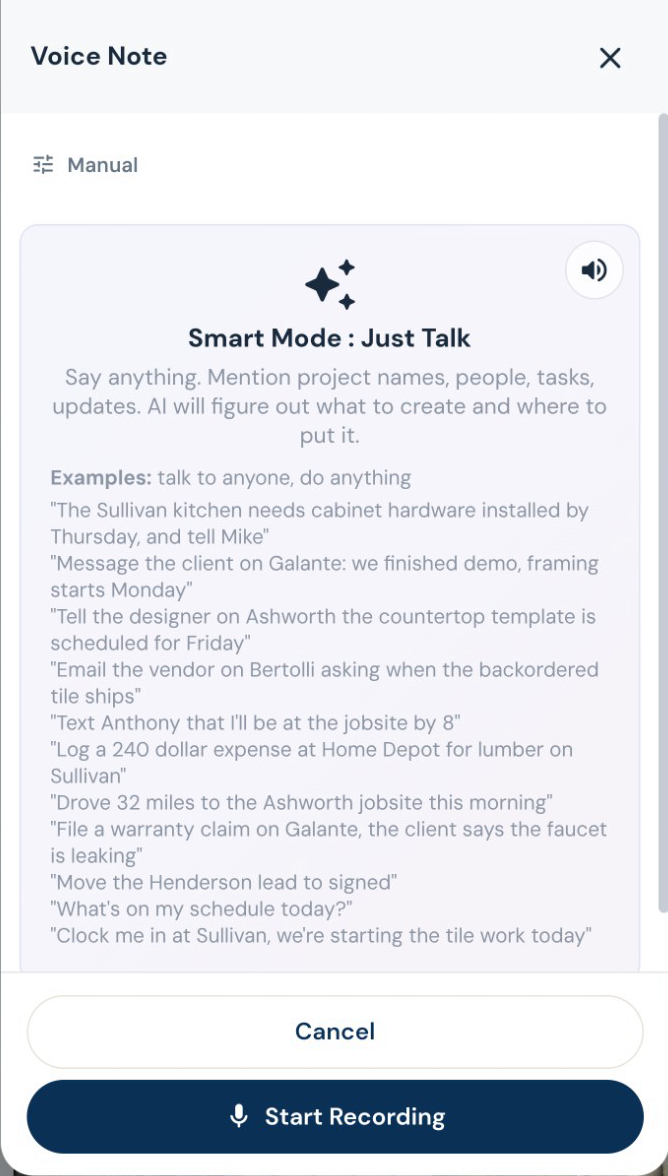
Walk the job. Talk through the work.
Record what you see while it is fresh. Roxy turns your walkthrough into organized notes and scope that can feed the estimate, instead of another notebook to type up tonight.
The work on site
Finish the punch list. Keep the history.
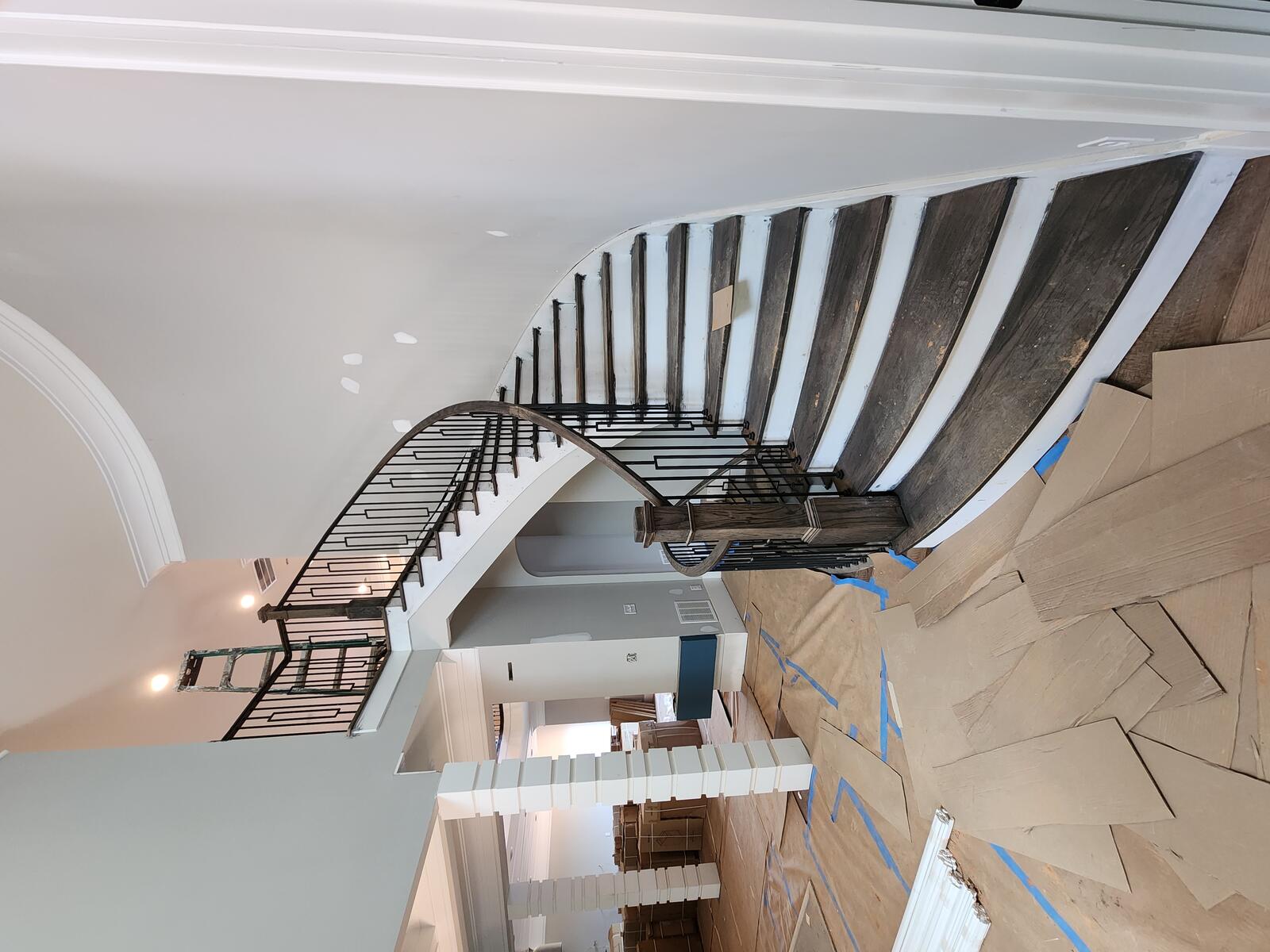
Keep punch items, photos and completion acceptance with the project. If a warranty call comes later, log it against that job and ask AI to assess it against your recorded terms before you decide.
Estimating, proposals and revisions
Your scope. Your terminology. Your pricing.
Give Roxy the scope of work, photos, handwritten notes or project documents. With your company knowledge available, it can draft the estimate using your terminology, pricing references and contract preferences. Review the quantities, labor, materials and markup, then send a proposal that sounds like your company.
Help them picture the finished room.
Create an AI render from an existing-space photo and your instructions, refine it, and share a before-and-after slider under your company name. Use it to discuss the idea, not as a construction drawing.
Show the price the way you sell.
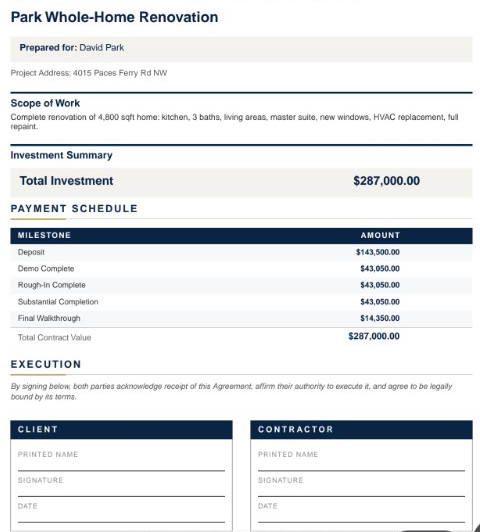
Send a lump-sum proposal, room-by-room totals or line-item pricing. Add optional upgrades, your terms and a payment schedule. Your internal labor costs and markup stay separate from the customer presentation.
Change the countertop. Keep the rest.
Tell Roxy what to change in an estimate, by voice or text. Review the proposed edits before saving. Sent estimates retain previous versions; changes to a sealed estimate follow a separate revision.
Subs, suppliers and designers
Start with their business card. Get the sub ready for work.
Snap or upload a business card and let AI fill the subcontractor details for review. Save the record, then start onboarding with the agreement, W-9 request, insurance upload and portal access together. Your sub signs and provides the paperwork through their own links. You can see what is complete and what you are still waiting for.
Review the imported sub, then choose insurance requirements. Edited demo excerpt; agreement signing and document submission are separate steps.
Decisions you can come back to
Keep the designer in the conversation.
Give the designer a place to submit selections, share files and message about the job, even before it becomes a project. Designer and client approvals are tracked separately, and submitted costs wait for your team’s approval.
Know when a selection changes the budget.
Track selections and allowances by job. Keep the model, finish, supplier and approval together, and handle an over-budget choice through the change process before it becomes a surprise at collection.
A signature with a document behind it.
Customers sign in their portal. Signed estimates and approved change orders are stored as sealed PDFs with a signature certificate. Keep the signed version with the job.
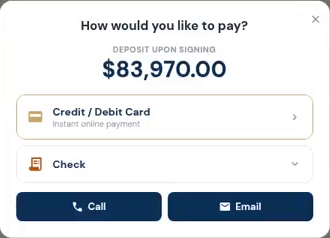
The customer opens the deposit and sees how to pay. Actual demo recording; no payment is submitted in this clip.
Invoices, payments and job money
Make the next payment easy to find.
Send a payment request tied to the job. Customers can see what is due and use the payment options you have connected. Partial payments and approved changes stay visible in the balance.