Built by a contractor. For the work you actually do.
Keep the room, the material and the approval together.
Organize the scope by room, record the selected product and document changes to prep or installation. Keep the signed proposal, job photos and payment request in the same place.
14 days free. Cancel anytime.

The work on site
Keep the measurements with the room.
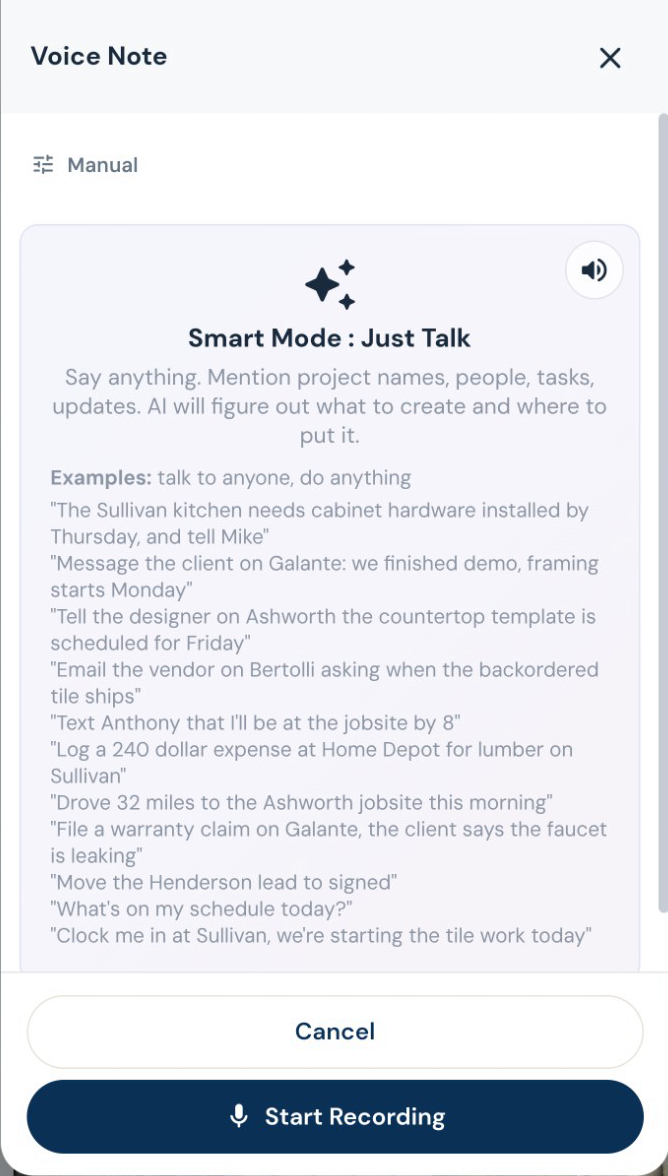
Read measurement notes from an image, review the extracted values and keep the measurement record with the job. This helps with transcription; it does not replace measuring the site.
“While you’re here” belongs on the job.
Draft a change order from the requested work, review its price, and put it in front of the customer for approval. Approved changes flow into the job’s money and payment picture.
Finish the punch list. Keep the history.
Keep punch items, photos and completion acceptance with the project. If a warranty call comes later, log it against that job and ask AI to assess it against your recorded terms before you decide.
Estimating, proposals and revisions
Show the price the way you sell.
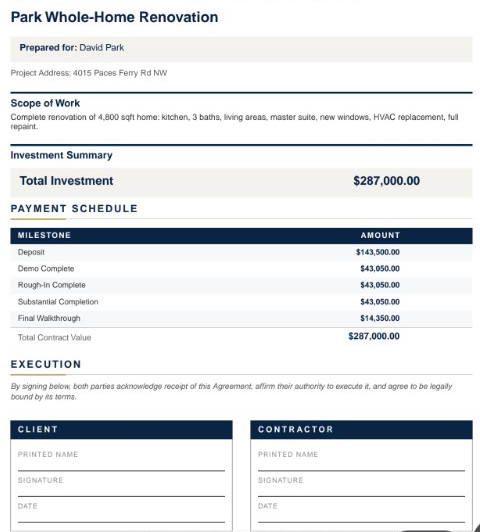
Send a lump-sum proposal, room-by-room totals or line-item pricing. Add optional upgrades, your terms and a payment schedule. Your internal labor costs and markup stay separate from the customer presentation.
Decisions you can come back to
Keep the designer in the conversation.
Give the designer a place to submit selections, share files and message about the job, even before it becomes a project. Designer and client approvals are tracked separately, and submitted costs wait for your team’s approval.
Know when a selection changes the budget.
Track selections and allowances by job. Keep the model, finish, supplier and approval together, and handle an over-budget choice through the change process before it becomes a surprise at collection.
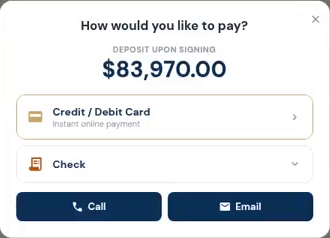
The customer opens the deposit and sees how to pay. Actual demo recording; no payment is submitted in this clip.
Invoices, payments and job money
Bill the way the job is paid.
Create itemized invoices, request a deposit, bill milestones, or set up recurring invoices. Record checks and other payments received outside the app, and apply credit memos without losing the history.