Built by a contractor. For the work you actually do.
From the first site walk to the next service visit.
Organize landscape installation scope, phases, supplier orders and customer changes. Keep recurring maintenance visits alongside project work so the ongoing jobs do not get forgotten.
14 days free. Cancel anytime.
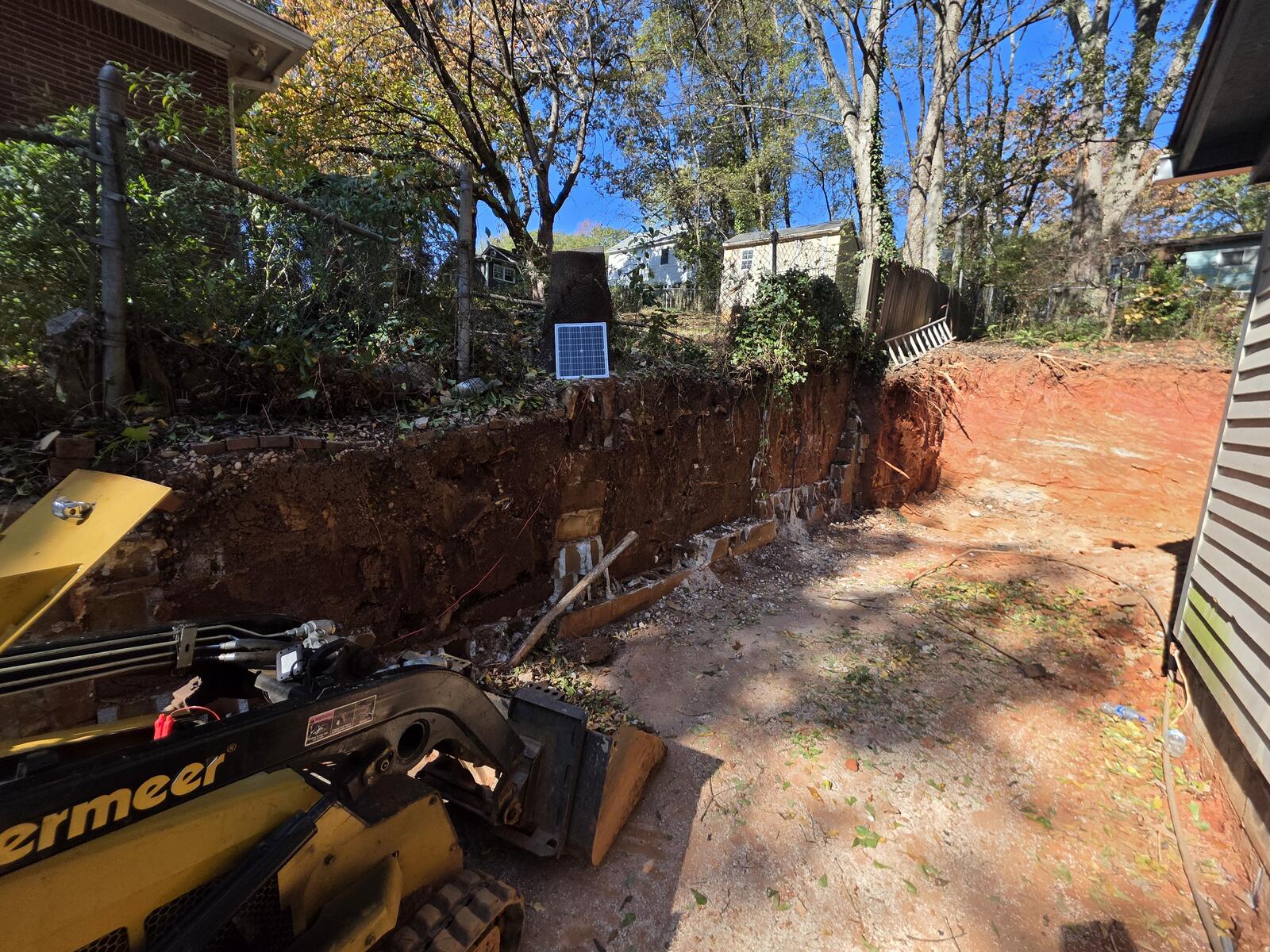
From first contact to site visit
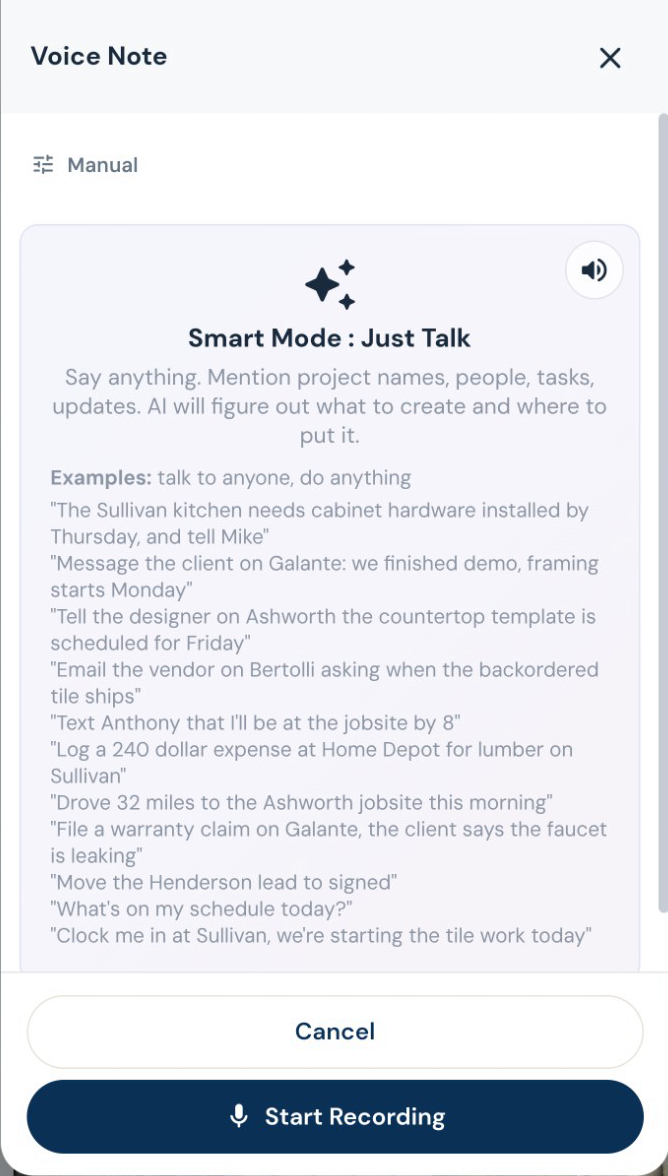
Walk the job. Talk through the work.
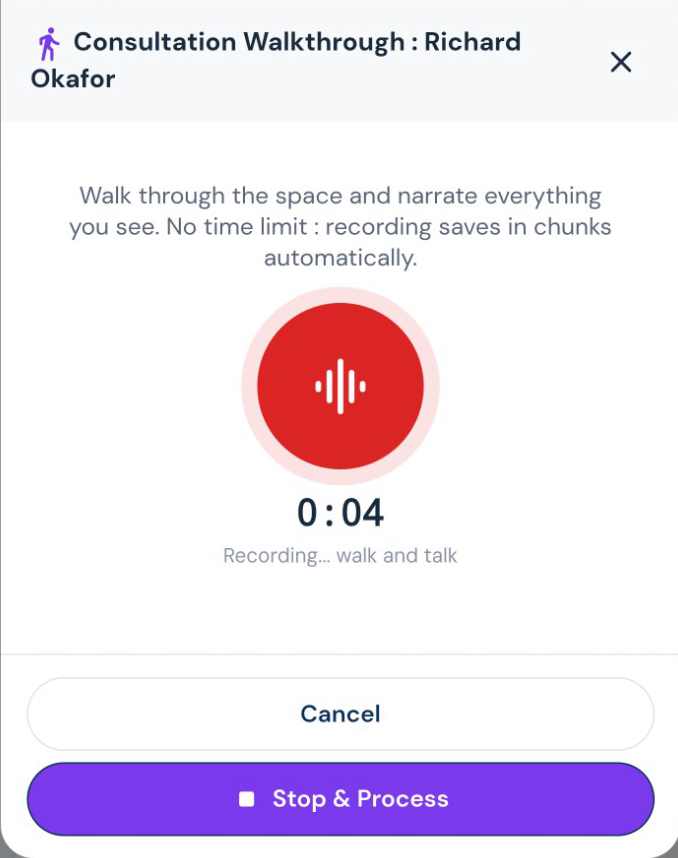
Record what you see while it is fresh. Roxy turns your walkthrough into organized notes and scope that can feed the estimate, instead of another notebook to type up tonight.
The office after the jobsite
Keep recurring work on the calendar.
Set up recurring services, upcoming visits and reminders. Keep maintenance work and recurring invoices organized alongside your larger projects, without rebuilding the same schedule each time.
The work on site
Put the trades in the right order.
Work with trade-specific phases, tasks and Gantt schedules. AI can suggest sequencing and flag scheduling conflicts for review, while crews record their time against the work.
“While you’re here” belongs on the job.
Draft a change order from the requested work, review its price, and put it in front of the customer for approval. Approved changes flow into the job’s money and payment picture.
Estimating, proposals and revisions
Your scope. Your terminology. Your pricing.
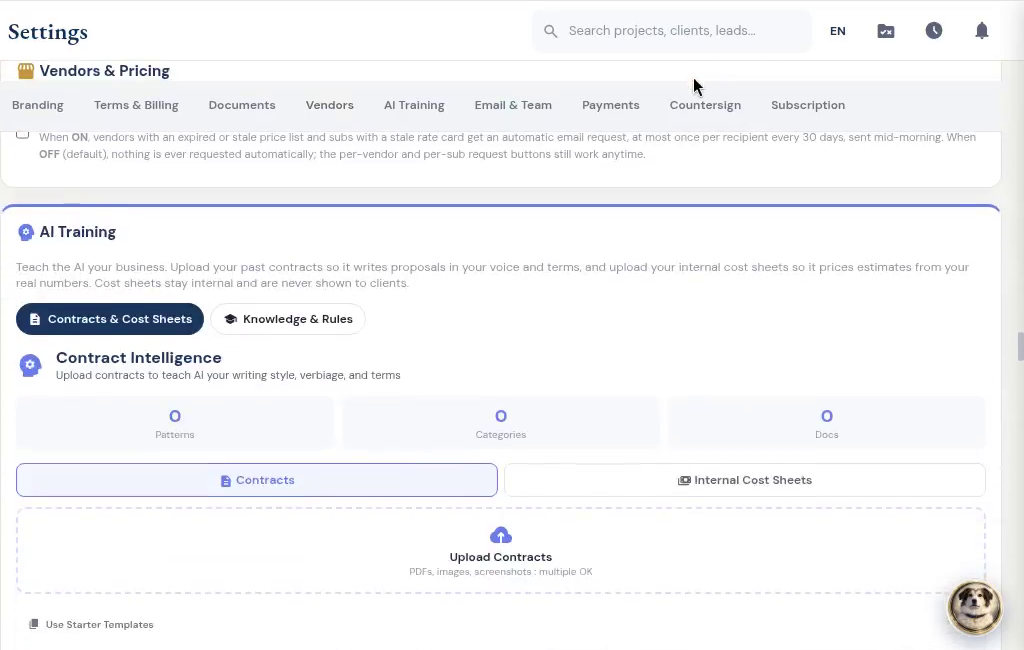
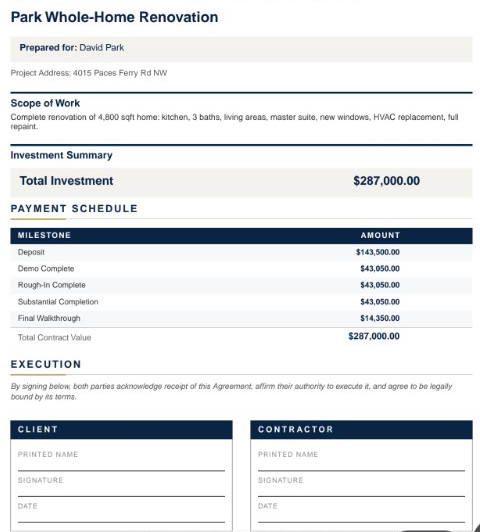
Give Roxy the scope of work, photos, handwritten notes or project documents. With your company knowledge available, it can draft the estimate using your terminology, pricing references and contract preferences. Review the quantities, labor, materials and markup, then send a proposal that sounds like your company.
Subs, suppliers and designers
Find the supplier, keep the details.
Ask AI to help locate suppliers around the job, then review the results and add the right contact. Import supplier price sheets and keep purchasing information with your vendor records.
Review the imported sub, then choose insurance requirements. Edited demo excerpt; agreement signing and document submission are separate steps.
Invoices, payments and job money
Bill the way the job is paid.
Create itemized invoices, request a deposit, bill milestones, or set up recurring invoices. Record checks and other payments received outside the app, and apply credit memos without losing the history.