Built by a contractor. For the work you actually do.
Keep the roof, the scope and the claim paperwork together.
Capture site photos, prepare the proposal, organize the crew and keep the customer’s changes on record. When insurance paperwork is involved, AI can help extract the details for review.
14 days free. Cancel anytime.

From first contact to site visit
From a screenshot to a filled-out lead.
A customer texts you about a kitchen remodel. Someone forwards an email referral. Take a screenshot and let Roxy fill in the lead for you: name, phone, email, address and job notes, using the details it finds. Review it, add anything missing and save. No copying the conversation into a form one field at a time.
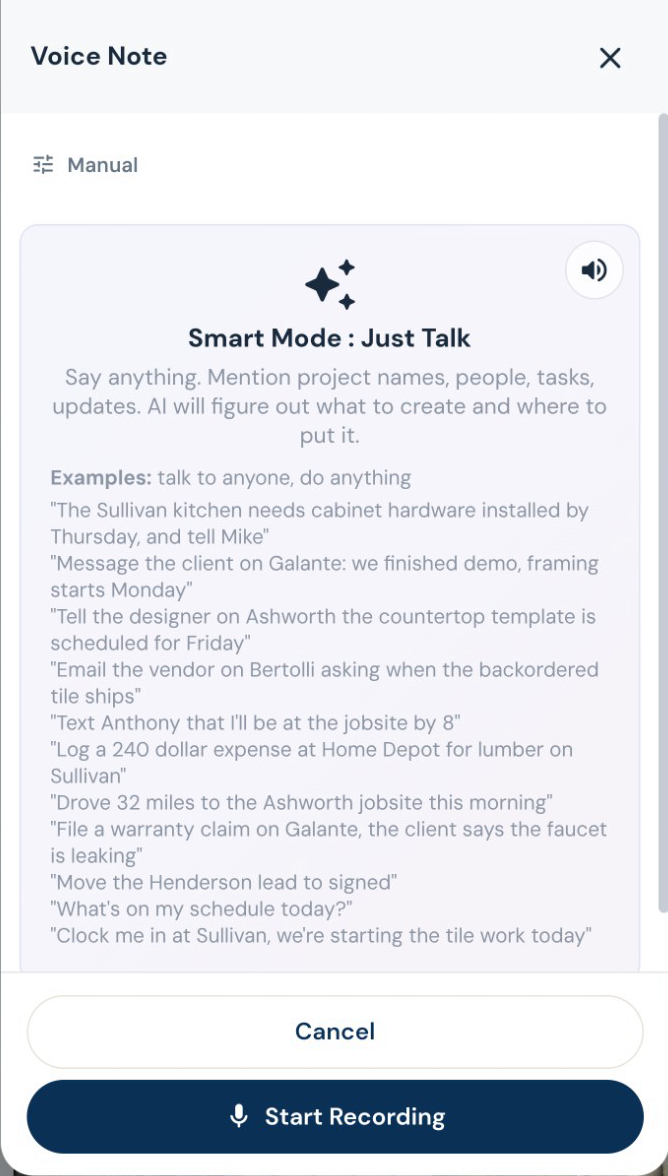
Attach the screenshot, choose Read All and review the details Roxy fills in. Actual mobile recording.
The work on site
Put the trades in the right order.
Work with trade-specific phases, tasks and Gantt schedules. AI can suggest sequencing and flag scheduling conflicts for review, while crews record their time against the work.
“While you’re here” belongs on the job.
Draft a change order from the requested work, review its price, and put it in front of the customer for approval. Approved changes flow into the job’s money and payment picture.
Finish the punch list. Keep the history.
Keep punch items, photos and completion acceptance with the project. If a warranty call comes later, log it against that job and ask AI to assess it against your recorded terms before you decide.
Estimating, proposals and revisions
Your scope. Your terminology. Your pricing.
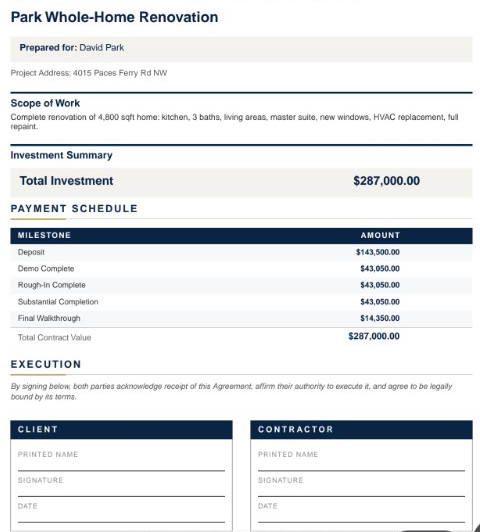
Give Roxy the scope of work, photos, handwritten notes or project documents. With your company knowledge available, it can draft the estimate using your terminology, pricing references and contract preferences. Review the quantities, labor, materials and markup, then send a proposal that sounds like your company.
Invoices, payments and job money
Bill the way the job is paid.
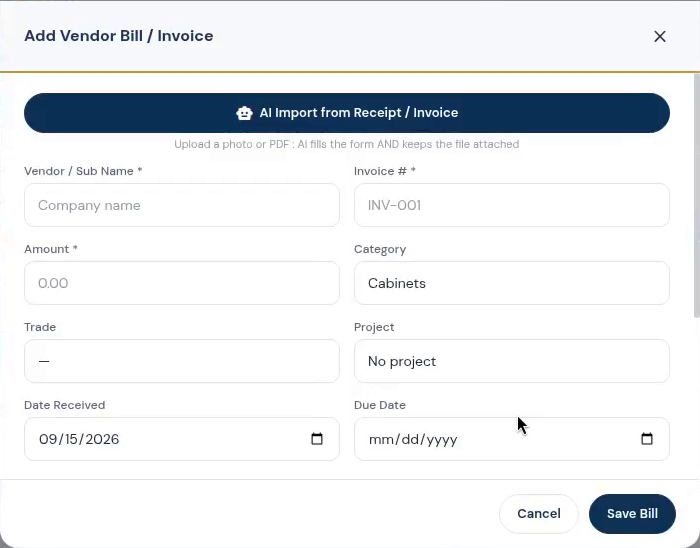
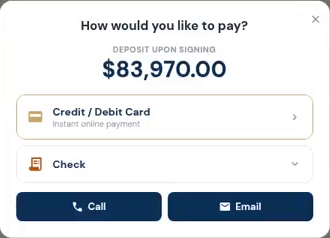
Create itemized invoices, request a deposit, bill milestones, or set up recurring invoices. Record checks and other payments received outside the app, and apply credit memos without losing the history.
Shop work and investor projects
Read the claim documents with the job.
AI can extract information from insurance letters and claim documents for review. Keep the paperwork with the lead or job, and share the relevant records through the appropriate portal.