Built by a contractor. For the work you actually do.
Let your customer review, e-sign and pay
Send a branded client portal where the customer can review the proposal, e-sign and pay using the payment options you have connected. Selections, approved changes, shared updates and signed documents stay with the job. Your internal costs and markup stay out of the customer view.
14 days free. Cancel anytime.

What does this workflow help a contractor do?
Send a branded client portal where the customer can review the proposal, e-sign and pay using the payment options you have connected. Selections, approved changes, shared updates and signed documents stay with the job. Your internal costs and markup stay out of the customer view.
Start with your own job information and check the proposed result before you use it. A live walkthrough is the best way to test how it fits the work you sell.
From first contact to site visit
Get a real appointment confirmation.
Turn the scheduling text into a calendar draft. Send a confirmation link so the customer can confirm or ask to reschedule, and see which visits still need an answer.
Attach the screenshot, choose Read All and review the details Roxy fills in. Actual mobile recording.
Decisions you can come back to
Your customer can sign and pay in the same place.
Send a branded client portal where the customer can review the proposal, e-sign and pay using the payment options you have connected. Selections, approved changes, shared updates and signed documents stay with the job. Your internal costs and markup stay out of the customer view.
A signature with a document behind it.
Customers sign in their portal. Signed estimates and approved change orders are stored as sealed PDFs with a signature certificate. Keep the signed version with the job.
Keep the designer in the conversation.
Give the designer a place to submit selections, share files and message about the job, even before it becomes a project. Designer and client approvals are tracked separately, and submitted costs wait for your team’s approval.
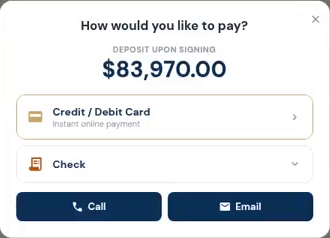
The customer opens the deposit and sees how to pay. Actual demo recording; no payment is submitted in this clip.
Invoices, payments and job money
Make the next payment easy to find.
Send a payment request tied to the job. Customers can see what is due and use the payment options you have connected. Partial payments and approved changes stay visible in the balance.